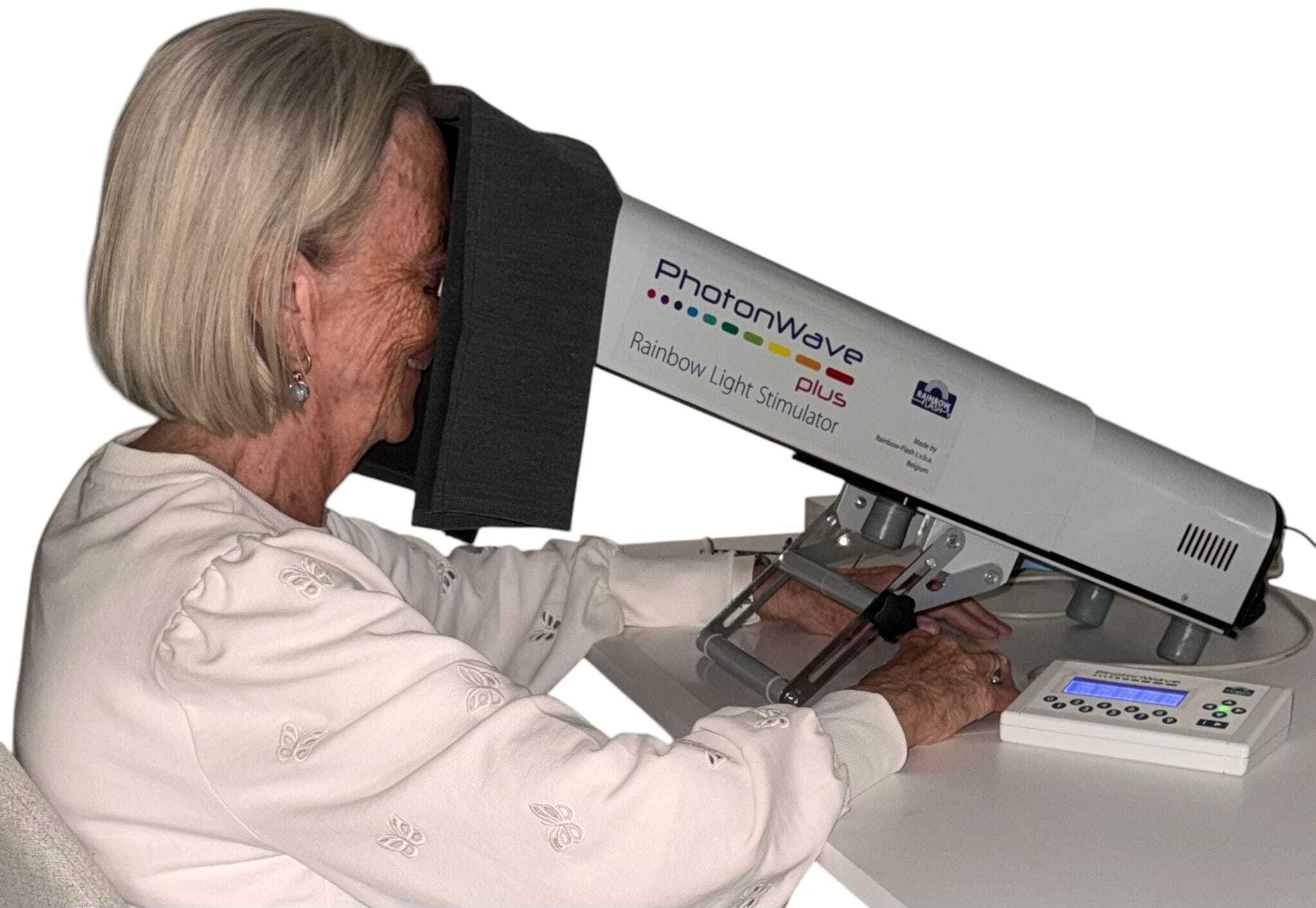
FCF Tester with Eye Movement Monitor Function
Computerized Functional Color Fields Tester
Advantages of the Visual Field Tester
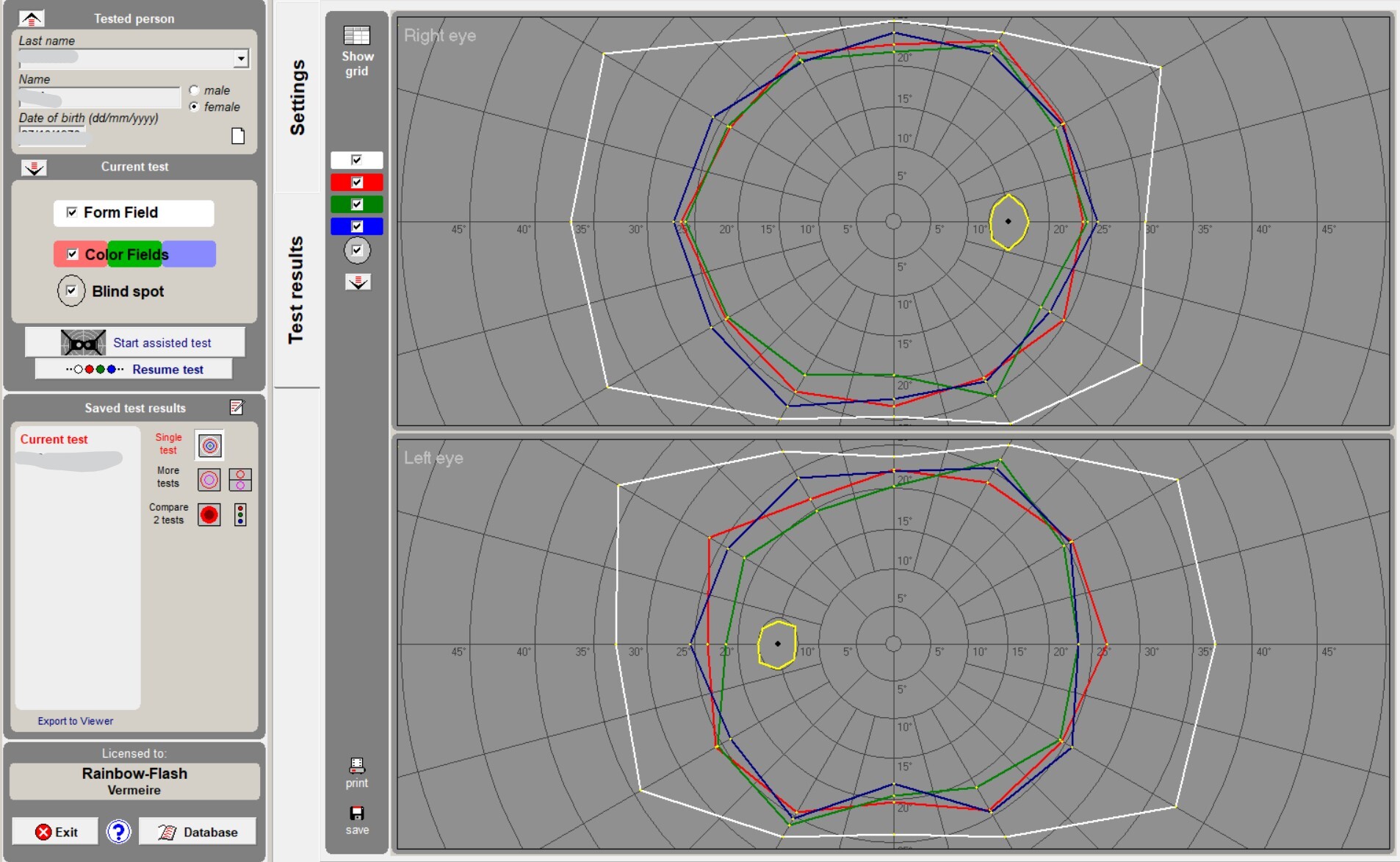
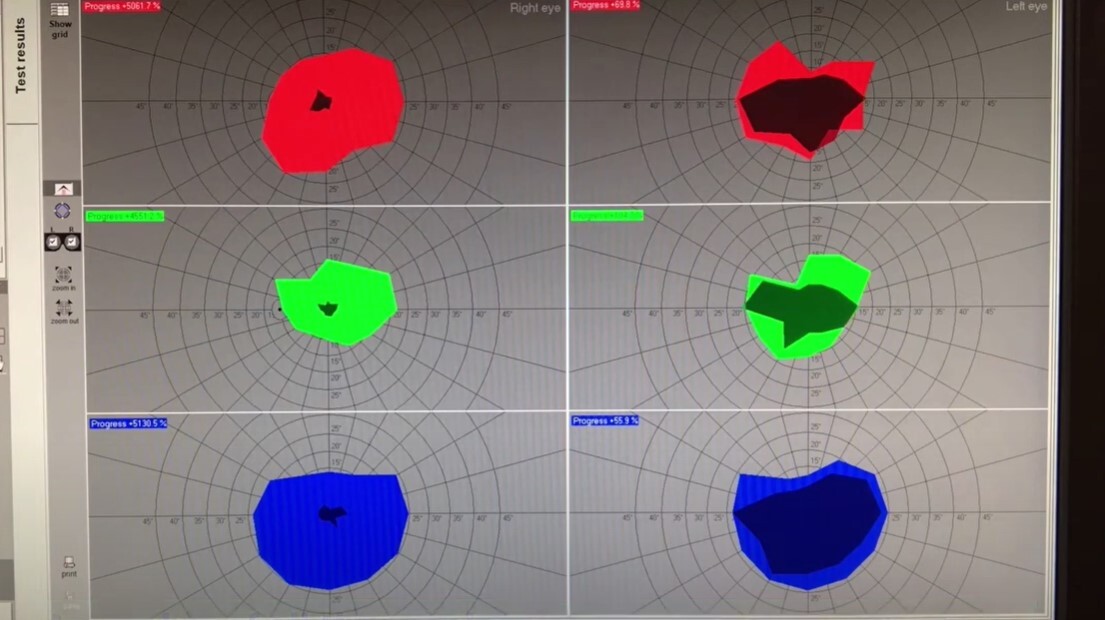
The computerized Functional Color Fields Tester (FCFTester) allows a quick, efficient and reliable measurement of the Visual Form Field, the Visual Color Fields (red, blue, green) and the Blind Spot using a normal personal computer.
3 measurements: Visual Form Field, The Visual Color Fields and the Blind spot
Assisted testing: The therapist assists the client to perform the test. Instructions will guide you through the test phases.
Settings can be changed: Several options are available in order to meet your specific needs. Specific settings and options can be saved and will be accessible for retesting.
Test results: Test results are visualised on the screen and can be saved on the local hard disc. More test results can be visualised at the same time for comparing subsequent measurements. Test results can be printed with different layouts.
Eye Movement Monitoring function:The integration in the FCFTester software of a function for real-time eye monitoring improves greatly the reliability of test results due to the possibility of keeping the patient's gaze under constant control. (Webcam not included)
In combination with PhotonWave: The FCF Tester (Functional Central Field Tester) is an indispensable tool that provides clear, objective evidence of the positive impact of your PhotonWave light therapy sessions. It's not just about feeling better; it's about seeing the difference.
Visualizing your Enhanced Visual Field after PhotonWave light
Many patients experience subjective improvements in their vision and overall well-being after PhotonWave therapy. However, the FCF Tester allows us to move beyond anecdotal evidence and present you with concrete, measurable proof of your progress. This specialized visual field assessment tool is designed to:
Establish a Baseline: Before you begin your PhotonWave journey, a precise FCF test maps your current functional visual field. This initial assessment creates a crucial benchmark, capturing the exact state of your vision.
Track Your Transformation: After a series of PhotonWave light sessions, the FCF Tester is used again to re-evaluate your visual field. This post-treatment assessment reveals the changes that have occurred.
Provide Undeniable Proof: By comparing your pre- and post-therapy FCF test results, you will receive a compelling visual representation of your progress. This side-by-side comparison clearly illustrates the expansion of your functional visual field, directly demonstrating the effectiveness of PhotonWave light therapy.
How to take a Visual Field
The patient is instructed to look constantly at a central stimulus while randomly colored dots appear on the screen, moving along the meridians from the outside to the screen center at an established constant speed.
Execution of a test can be personalized through a set of parameters such as screen contrast, color brightness, size and speed of moving dots, meridians to be used for measurement, etc. Settings can be saved for repeated use.
Fields can be measured assisted by the therapist. At color perception of the dot the patient calls out the perceived color, the assistant "accepts" correct perceptions or ignores erroneous ones. Erroneous (and thus ignored) perceptions will be repeated later on during the test. Erroneous measurements can be deleted and will automatically be measured again when resuming the test.
With the EMM function (included in this set), you can:
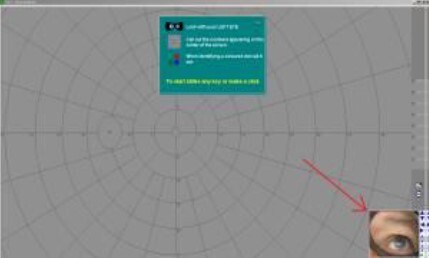
• See during the test, through the webcam, the eye of the tested person in window placed at a corner of the screen
• See, after measurement or during a pause, the exact eye position at the moment that a colored dot has been perceived and its position registered
• Cancel single measurements made with a non-correct eye position in order to repeat the measurement.
Specifics of the FCF-Tester
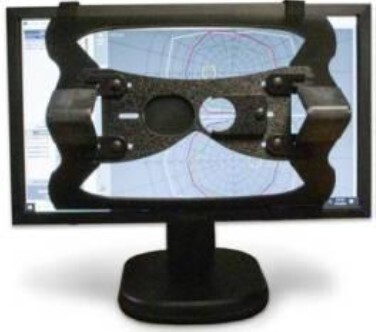
The software is accompanied by a removable hardware top-piece, and is easily installed and calibrated on any computer monitor. This original hardware piece is made from high-quality transparent Plexiglas and therefore one can always see the screen, even where the viewer covers the screen.
Hardware and software requirements:
Computer requirements include:
• Standard PC with no special memory requirements or processor speed
• A Windows operating system (XP, Vista, 7, 8, 10, 11)
• A high-performing graphics card is recommended, though the software will perform fine on most standard PC graphics cards
Monitor requirements include:
• Minimum screen resolution of 1024 x 768 pixels, but a higher resolution is highly recommended
• Size between 17" to 22" monitor with at least 60Hz refresh rate and high brightness and contrast
A USB webcam with image resolution of 480x640 pixels.
A printer is useful if you want to save a hard copy or if you want to give a copy to the client so he/she can show off the difference after light therapy with PhotonWave.
All data is saved on the computer that the software is installed on. This is done to protect user and patient data. However, you can make backups of your data which can be saved to an external drive or a cloud drive. Using the free downloadable FCFT_Backup software, backup and restore are made automatically with a few clicks.
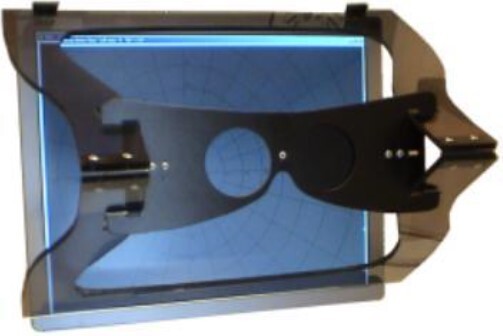
FCF-Tester with EMM function
Installation and use of the software on a single computer
Use of the software without time limits or internet connection (once registered)
Free updates of the most recent versions downloadable from the website
Free support through the Assistance page on the FCFTester website.
Viewer and screen calibration hardware.
Please contact us for pricing information!
The contents of this website is for informational purposes only and not intended to be a substitute for professional medical advice, diagnosis, or treatment. Always seek the advice of your physician or other qualified healthcare provider with any questions you may have regarding a medical condition.
Copyright © 1986 - 2026, Rainbow-Flash BV